Projects: coordinate delivery and workload signals
Understand project delivery, milestones, workload, progress, schedules, and linked tasks.
At a glance
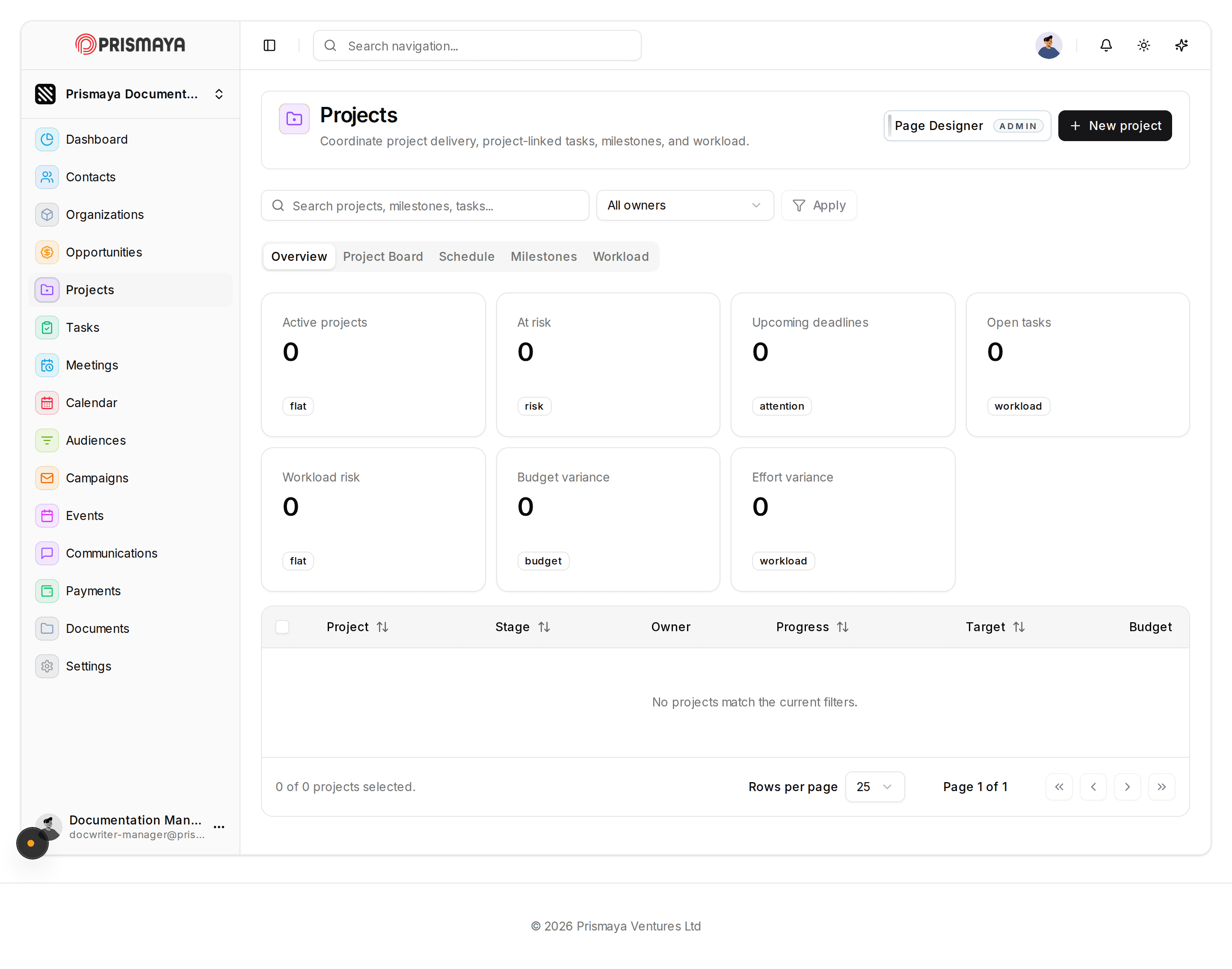
Metric cards in the Overview show key signals and their current values: Active projects (0), At risk (0), Upcoming deadlines (0), Open tasks (0), Workload risk (0), Budget variance (0), and Effort variance (0). Each metric card includes a small tag/label (for example 'flat', 'risk', 'attention', 'workload', 'budget').
The Overview tab is the active tab in the horizontal tab row; the tabs Project Board, Schedule, Milestones, and Workload are present as alternatives.
Search and filters
A search input is available with the placeholder text: "Search projects, milestones, tasks...".
An Owner dropdown (showing 'All owners') sits next to the search input, with an Apply button to the right.
Actions and page header
A '+ New project' button is near the top-right of the main panel for creating projects.
A 'Page Designer' badge with 'ADMIN' appears near the top-right of the main panel.
The page header includes a top-center search/navigation input with placeholder 'Search navigation...' and a user avatar in the top-right.
Project list and pagination
The table column headers are Project, Stage, Owner, Progress, Target, and Budget.
When no matching projects are listed, the table area displays the message: 'No projects match the current filters.'
The table footer shows selection and paging controls: '0 of 0 projects selected.', a 'Rows per page' selector set to 25, and pagination with 'Page 1 of 1' and navigation buttons.
Navigation and footer
A left-side navigation rail lists primary pages (for example: Dashboard, Contacts, Organizations, Opportunities, Projects, Tasks, Meetings, Calendar, Audiences, Campaigns, Events, Communications, Payments, Documents, Settings).
The page footer shows '© 2026 Prismaya Ventures Ltd'.
Field requiredness
The Owner field (dropdown) is present and is not marked as required. The other fields on this page are not marked as required.